Why your 25 minutes weren't 25 minutes?
Users kept switching tabs and the timer fell behind. We fixed it twice. First with web workers, then by stopping the countdown and measuring wall clock instead.
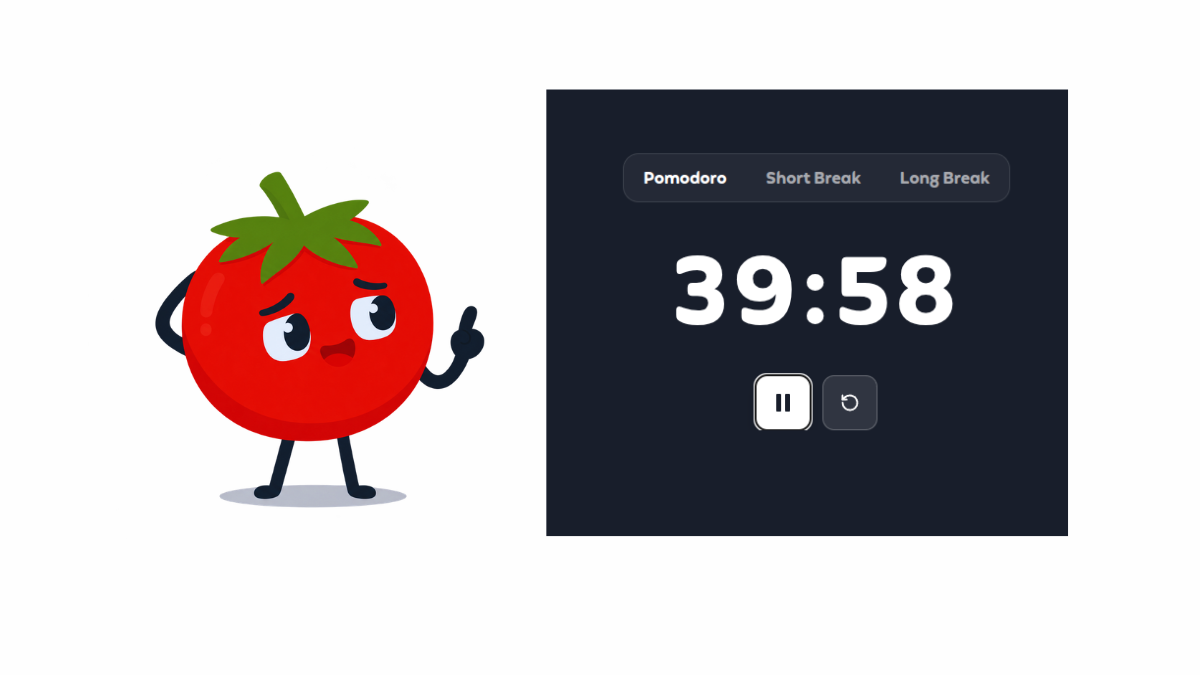
Pomopal is a pomodoro focus timer. If someone starts a 25 minute block, switches to Google Docs to work on their assignment, and comes back, the clock still has to be accurate about how much time actually passed. For a while it wasn't, and users noticed and reported it.
I'm writing this because the bug looked small in the code but had an outsized impact on the product, one that we couldn't just ignore. A student who plans to grind through assignments with a pomodoro timer, and then gets shortchanged by the browser, learns not to trust our tool. That's a worse outcome than a slightly ugly UI.
What users were hitting
The complaint was almost always the same shape: someone would start a session, switch to another tab to read, write, or look something up, and when they came back the timer would have barely moved, or the alarm would go off noticeably late.
Chrome and Firefox throttle setInterval and setTimeout on the main thread when a tab is in the background. They do this to save battery and CPU, which is fine for a news site but not for a clock.
So the product requirement was simple: a planned block has to finish when wall time says it finished, even if the tab was hidden.
Version one: count down by one
The first Pomopal timer (Nov 2023, commit d8fc5ae) treated every tick as one second of progress.
const clockTicking = () => {
  const minute = getTime(selected);
  const setMinute = updateMinute();

  if (minute === 0 && seconds === 0) timesUp();
  else if (seconds == 0) {
    setMinute((minute) => minute - 1);
    setSeconds(59);
  } else {
    setSeconds((seconds) => seconds - 1);
  }
};

useEffect(() => {
  const timer = setInterval(() => {
    if (ticking) {
      setConsumedSeconds((value) => value + 1);
      clockTicking();
    }
  }, 1000);
  return () => clearInterval(timer);
}, [seconds, pomodoro, shortBreaks, longBreaks, ticking]);
Three things go wrong here at once: time ends up meaning "how many callbacks fired" instead of "how much real time passed," background tabs fire those callbacks late or rarely so the display freezes, and because the effect depended on seconds, every tick tore the interval down and rebuilt it, which made the scheduling even messier than it needed to be.
If a tick arrives late, that second is just gone, and the UI never gets the chance to catch back up.
Version two: keep the ticks alive (Nov 17, 2023)
Commit 1d1a33f swapped the browser timers for worker-timers, which schedules through a Web Worker.
import { clearInterval, setInterval } from "worker-timers";Workers aren't throttled the same way when the page loses focus, so ticks kept arriving while people were in another tab. That matched the complaint we were hearing, so we shipped it as a major fix.
I also had a hand-rolled worker sitting in the repo from the day before (src/utils/timerWorker.js, commit 538d7ac):
self.onmessage = (event) => {
  if (event.data === "start") {
    intervalId = setInterval(() => {
      self.postMessage("tick");
    }, 1000);
  } else if (event.data === "stop") {
    clearInterval(intervalId);
  }
};
We never actually wired that file into the app, since the npm package did the same job with less glue, and the unused worker is still sitting there in the repo, which is a little embarrassing but also a useful reminder that "use a worker" was the obvious next move all along.
Workers fixed the "tab went quiet" part, but they didn't fix the underlying model, since we were still doing seconds - 1 on each tick, so a late tick still meant the wrong remaining time. The clock was livelier now, but it still wasn't honest.
Version three: measure the wall (Dec 11, 2025)
In commit 94e820b we threw out the whole approach: instead of counting down, we store when the session started and how long it should run, and on every tick we just subtract.
function useTimer() {
  const [ticking, setTicking] = useState(false);
  const [startTime, setStartTime] = useState(null);
  const [duration, setDuration] = useState(null);
  const [remaining, setRemaining] = useState(null);

  const begin = useCallback((startTimestamp, durationSeconds) => {
    setStartTime(startTimestamp);
    setDuration(durationSeconds);
    setRemaining(durationSeconds);
    setTicking(true);
  }, []);

  useEffect(() => {
    if (!ticking || !startTime || !duration) return;

    const id = setInterval(() => {
      const elapsed = Math.floor((Date.now() - startTime) / 1000);
      const left = duration - elapsed;

      if (left <= 0) {
        setRemaining(0);
        setTicking(false);
        setFinished(true);
      } else {
        setRemaining(left);
      }
    }, 1000);

    return () => clearInterval(id);
  }, [ticking, startTime, duration]);
}
The interval's only job now is redrawing the display, since the real truth lives in Date.now() - startTime. That means if the tab was asleep for ninety seconds and then wakes up, the next paint just jumps ninety seconds forward, which is exactly what you want from a clock.
We still import setInterval from worker-timers, because a responsive UI in a background tab is nice to have. But the correctness now comes entirely from the timestamps, not from the ticking.
Pause without lying
Pause is where timestamp-based timers get awkward, because if you just freeze remaining and keep the old startTime sitting there, resume will think you never stopped working in the first place.
On resume, we rewrite the start time so the elapsed count stays continuous:
if (sessionId && remaining != null && timerDuration != null) {
  const newStart = Date.now() - (timerDuration - remaining) * 1000;
  begin(newStart, timerDuration);
}
The same idea shows up in session recovery and in the 30 second heartbeat. getElapsedSeconds() is just the wall clock version of "how long has this block been running," which is what the backend needs for stats that survive a closed tab.
const getElapsedSeconds = useCallback(() => {
  if (!startTime) return 0;
  const elapsed = Math.floor((Date.now() - startTime) / 1000);
  if (!duration) return elapsed;
  return Math.min(elapsed, duration);
}, [startTime, duration]);
Once time is absolute, recovery, heartbeats, and the on-screen digits all share one definition.
What this means for the Pomopal
A focus timer only has to keep a few promises: the planned length is the length you actually get, leaving the tab to do the real work is allowed, pause means pause and not "pretend you were still focusing," and if the browser sleeps, the timer should catch up when you return instead of pretending those minutes never happened or inventing extra ones.
Workers get you live ticks and a wall clock gets you honesty, and I needed both, in that order, because the first complaint was "it froze when I switched tabs" while the deeper bug was that we were counting callbacks instead of measuring time.
If you're building any kind of study timer, stop storing "seconds left" as the source of truth. Store startTime and duration, and paint from the difference. Then test it the way users actually study: start the timer, switch to the article, come back ten minutes later, and check whether the digits match the clock on the wall.